Transforming Outcomes and Reducing Teacher Workload at Gifford Primary School
Estimated reading time: 4 minutes
 Gifford Primary School is a four-form entry outstanding school located in the London Borough of Ealing. Serving a highly diverse and disadvantaged community, the school is dedicated to providing high-quality education while supporting high levels of special educational needs. We spoke with Michael Bratchell, Assistant Head and Upper Key Stage 2 Lead, to discover how CENTURY has become an invaluable tool for staff, students, and parents. Find out more on the Gifford Primary School website.
What were the main challenges you faced before introducing CENTURY, and what prompted you to try it?
We serve one of the poorest communities in London, with a significant amount of pupil premium disadvantage and special educational needs. Historically, we had subscribed to many different platforms that cost thousands of pounds, but none were fully embedded or impactful. During the pandemic, we relied heavily on digital learning, but marking digital homework manually was incredibly time-consuming and difficult to tailor to individual student needs. After some colleagues saw CENTURY at a conference, we trialled it in Year 2 and Year 6. We found it fantastic and quickly rolled it out across the school. We needed something easy for parents and students to access at home, and CENTURY met that need perfectly.
How is CENTURY currently deployed across the school?
We have developed a robust and versatile model for using the platform:
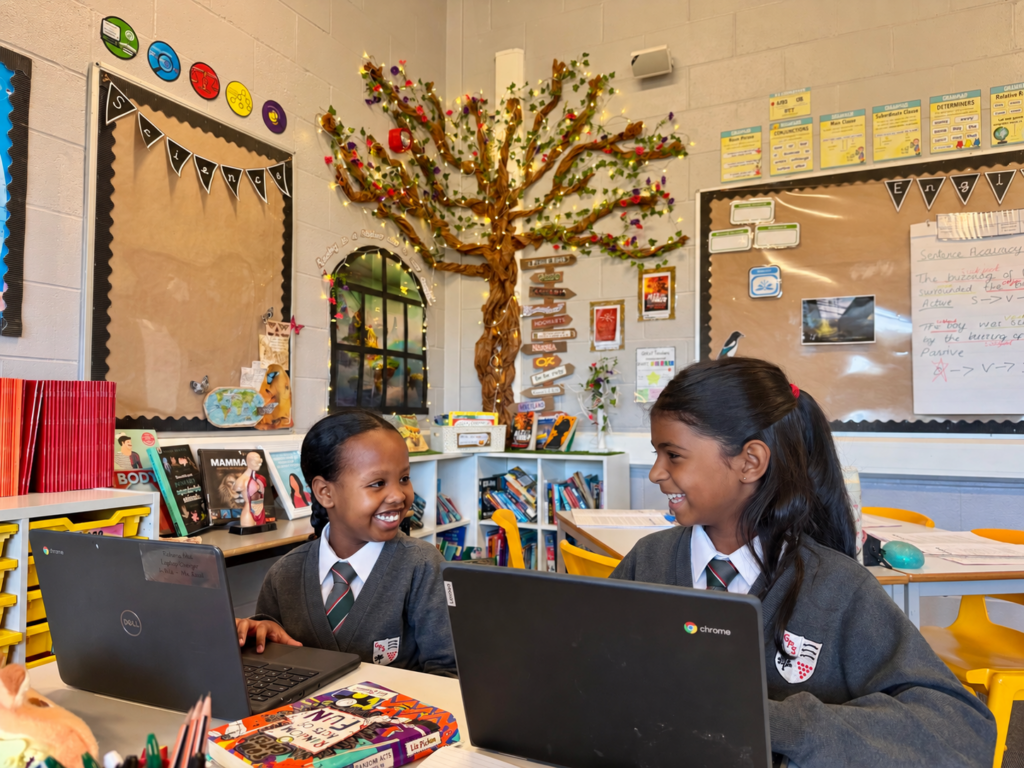
- Tailored Homework: Students can easily access self-marking, tailored homework on phones, tablets, or school-loaned Chromebooks. This ensures that work is matched to their needs and automatically marks itself, directly impacting their learning pathway without requiring extra planning from teachers. It also saves us from printing physical homework books.
- Lesson Starters: We use diagnostics at the start of a unit to get an instant, paper-free overview of students’ confidence levels across different areas. This allows us to see exactly what they have mastered and identify specific weaknesses to teach next, ensuring the learning journey is fully tailored. It also ties in nicely with our gap analysis following PiXL assessments.
- Cover Lessons: When a teacher is absent, instead of cancelling sessions or merging sets, a teacher can simply assign four or five specific nuggets for the children to work on. This means that cover staff who might not be familiar with upper Key Stage 2 maths or reading can confidently step in to supervise while the children work independently.
- Additional Teaching Assistant: With high numbers of SEND students and limited staff to run interventions, we use the platform to run tailored therapies. If a small group does not meet a learning objective in the morning, I can assign them a specific nugget. They can go and complete it independently using the learning videos, or I can have the whole class work on CENTURY for 15 to 20 minutes while I pull those specific children out for direct support. It effectively acts as an extra teaching assistant in the session.
What impact has CENTURY had on your staff, particularly regarding teacher workload?
It has reduced our workload massively. Previously, we would lose an hour of teaching time each week just to go through and mark homework. Because all of that is now done automatically, I gain an extra teaching hour every week for maths, reading, and grammar. Additionally, in just half an hour of protected planning time, a teacher can easily set six weeks of personalised homework in advance. All of my lesson starters are now sorted for the year, saving an immense amount of time and reducing wastage in all areas.
How have the students and parents responded to the platform?
We have just had a phenomenal set of SATs results. Despite having a cohort that had been tracking lower in previous years, we smashed last year’s results out of the park. I firmly believe the model in which we deployed CENTURY had an impact on these results.
For parents, it has solved the sticky issue of homework expectations:
- Parents who want their children to do more work have unlimited access to the learning pathway.
- Those who face language barriers or cannot provide educational support at home can trust the platform to act as the teacher.
- It removes barriers and ensures no child gets left behind, even if they travel abroad for extended periods.
What advice would you give to another school just starting out with CENTURY?
I would advise them to pick a couple of key year groups and simply let staff play around with it. Find tech-savvy staff who get on well with the platform to advocate for it. The software is so effective that it naturally sells itself, and people will naturally come on board. You do not need to learn every single feature at once; just introduce it one piece at a time. Building excitement with the students is also crucial; when we told our Year 6 students that an AI computer system was going to teach them, they were ecstatic, and that enthusiasm became infectious among the staff. Ultimately, look at it as an extra teaching assistant in your classroom that is there to support you without adding stress.
Ready to transform learning at your school?
- New Customers: Book a demo today to discover how CENTURY can personalise learning and reduce teacher workload.
- Existing Customers: Contact your Account Manager or email support@century.tech to explore new ways to maximise your school’s usage and impact.
CENTURY in the news
View all News
-

News
21st October 2026
International study finds students using CENTURY up to 58% more likely…
A new study of more than 3,300 progress outcomes across eight Inspired Education Group schools found students who engaged most with CENTURY were up to 58% more likely to exceed expected progress in maths and 29% more likely in English.
Read more
-

Case studies
19th October 2026
How Myanmar Vision International School delivers personalised learning for IGCSE
Myanmar Vision International School in Yangon made CENTURY the main way it teaches IGCSE maths and science. IGCSE Coordinator Andrew Rogers explains how personalised learning, backed by one-to-one support from learning guides, works for a small cohort.
Read more